
 AI Workforce


Capture Stunning Before & After Photos. Convert More Patients.
Deliver impactful consultations and demonstrate real transformations with Zenoti’s Photo Manager—the most powerful HIPAA-compliant solution for capturing, comparing, and showcasing before & after photos in medspas.
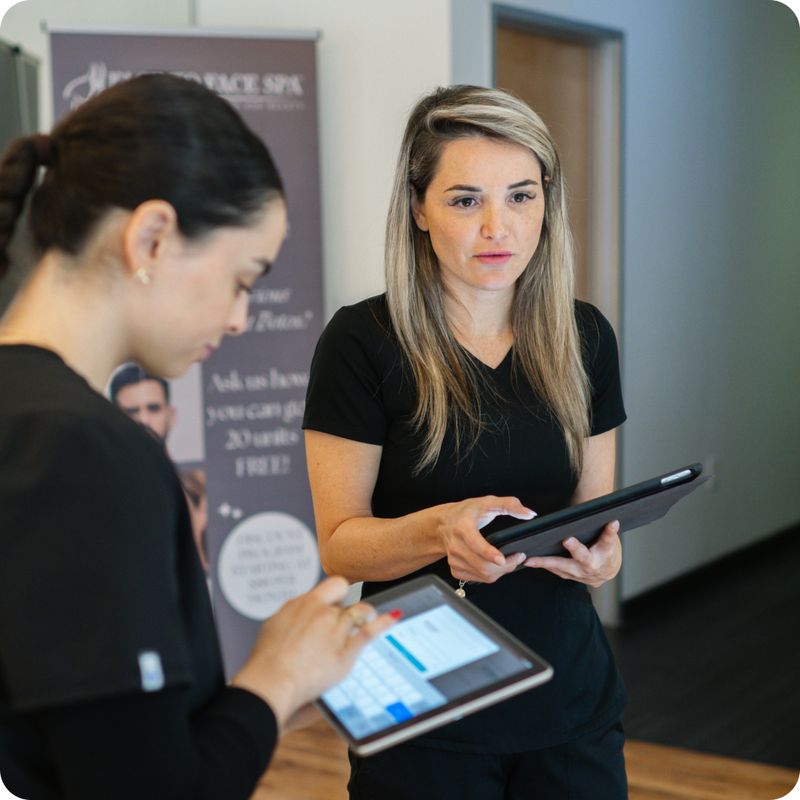
The Before & After Tool Your Medspa Needs
Zenoti’s Photo Manager simplifies clinical photography by consolidating all patient photos in a secure, centralized location. Enhance patient confidence, improve conversions, and streamline consultations.

Integrated Workflow
Launch the Photo Manager camera seamlessly from appointments, patient charts, or unified galleries within Zenoti—no toggling or duplication required.

Guided Clinical Photography
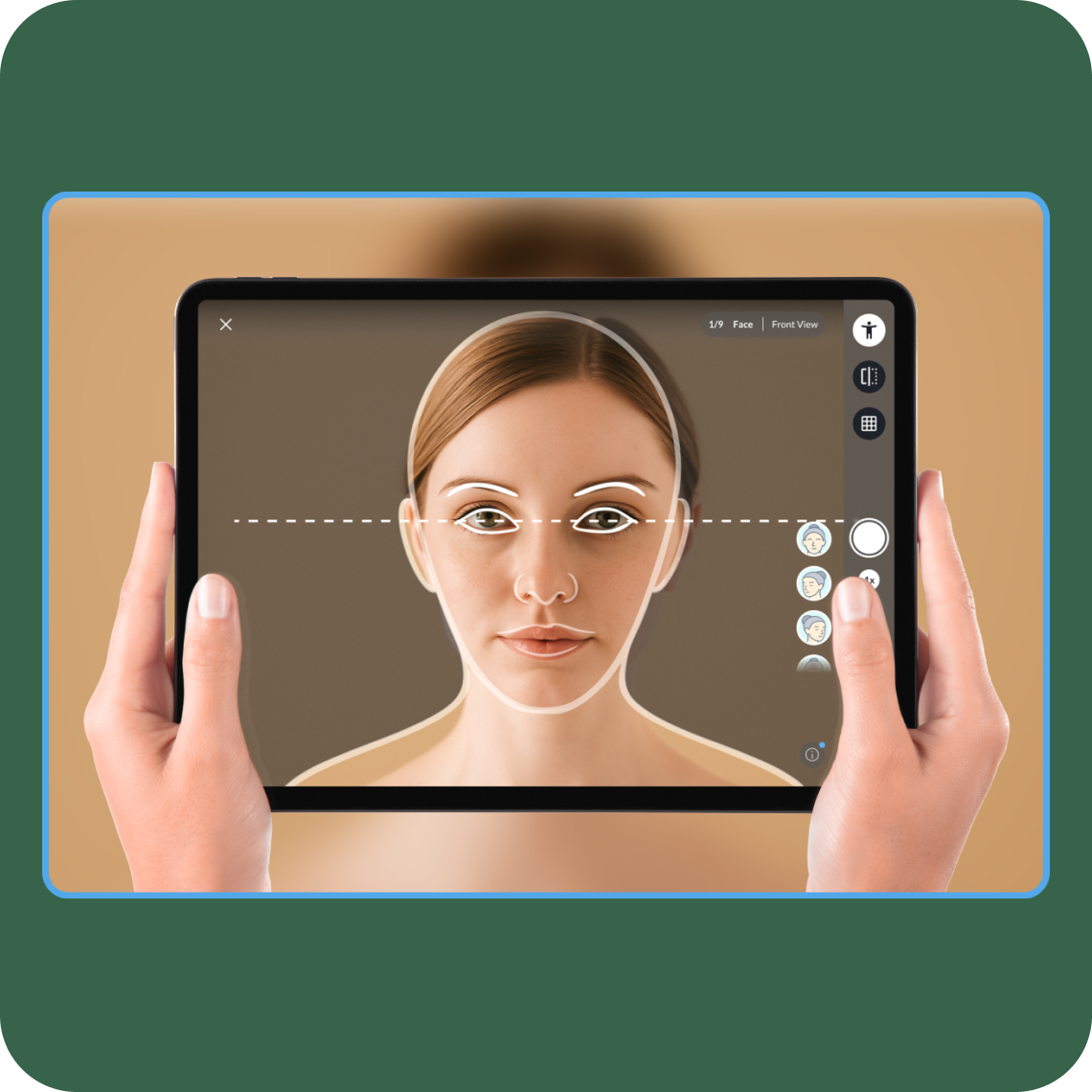
Capture professional-grade photos using built-in gridlines, face and body angle guidelines, photo overlays, and predefined photography sequences.

Advanced Comparison Tools
Showcase patient journeys effectively with split views, slider views, and linked zoom for a closer skin region analysis. Leverage Global Gallery to curate best result photos.
Centralized, Unified Photo Gallery
Tag, filter, and easily retrieve images by date, service, provider, or specific angles, directly linked to patient records, appointments, and service history for comprehensive patient photo tracking.
Secure & HIPAA-Compliant
Benefit from unlimited HIPAA-compliant cloud storage, secure role-based permissions, and consent workflows for compliant marketing use.
Mobile-Ready for On-the-Go Providers
Providers can capture, consult, and share high-quality images anytime via Zenoti’s mobile app, optimized specifically for tablets and phones.
How Zenoti Photo Manager Works
Use gridlines, angle guides, overlays from previous sessions, and guided photo sequences to standardize and capture high-quality face and body images consistently.
Access images from the secure, unified gallery featuring unlimited storage, side-by-side comparisons, slider views, and linked zoom for precise skin analysis, creating impactful consultations.
Securely download high-quality before & after photos for compelling social media posts. Share transformational stories during consultations to build trust and increase bookings. Providers maintain clinical focus. Patients stay inspired. You grow your business.
Powerful Features Tailored for Medspas
Guided Clinical Photography
Capture professional-grade photos using built-in gridlines, face and body angle guidelines, photo overlays, and predefined photography sequences to ensure image consistency.
Advanced Comparison Tools
Showcase patient journeys effectively with split views, slider views, and linked zoom for detailed skin region analysis.
Centralized, Unified Photo Gallery
Tag, filter, and easily retrieve images by date, service, provider, or specific angles, directly linked to patient records, appointments, and service history for comprehensive patient tracking.
Secure and HIPAA-Compliant
Benefit from unlimited HIPAA-compliant cloud storage, secure role-based permissions, and consent workflows for compliant marketing use.
Mobile-Ready for On-the-Go Providers
Providers can capture, consult, and share high-quality images anytime via Zenoti’s mobile app, optimized specifically for tablets and phones.
Integrated Workflow
Launch the Photo Manager camera seamlessly from appointments, patient charts, or unified galleries within Zenoti—no toggling or duplication required.

“Zenoti's forms and EMR features have made charting and documentation much easier for our clinicians. It has added efficiency and provided checks and balances for me as the clinic owner.”
Dr. Kelly Cobb
Owner, Nouriche Wellness & Asethetics
Seamless Integration & Compatibility
Unlike standalone tools or external EMRs, Photo Manager is fully integrated into Zenoti, providing swift, seamless, and secure clinical photography with no additional logins or manual uploads required.

Unique Insights for growth oriented wellness brands
Read The Check-In


FAQ
Photo Manager built into Zenoti ensuring professional-quality photos directly linked to patient charts with secure HIPAA-compliant cloud storage, eliminating inconsistency and enhancing efficiency.
Fully integrated within Zenoti—no extra logins, uploads, or separate tools needed, enhancing your workflow seamlessly.
Yes, providers can easily access and utilize Photo Manager through Zenoti’s mobile app, optimized specifically for tablets and mobile devices.
Absolutely. Use linked zoom to closely compare specific areas across sessions for precise tracking and analysis.
You can securely download selected before-and-after photos for website and social media use. The Global Gallery provides a centralized space to organize and access the best transformation photos across patients, helping you personalize social posts and consultations to attract and convert new patients.